Private on your device

Personal finance,
easy and private

AloxBook is a desktop app for personal bookkeeping. See where money comes from, where it goes, and how your accounts develop — all locally on your computer, clearly organized and without any cloud.

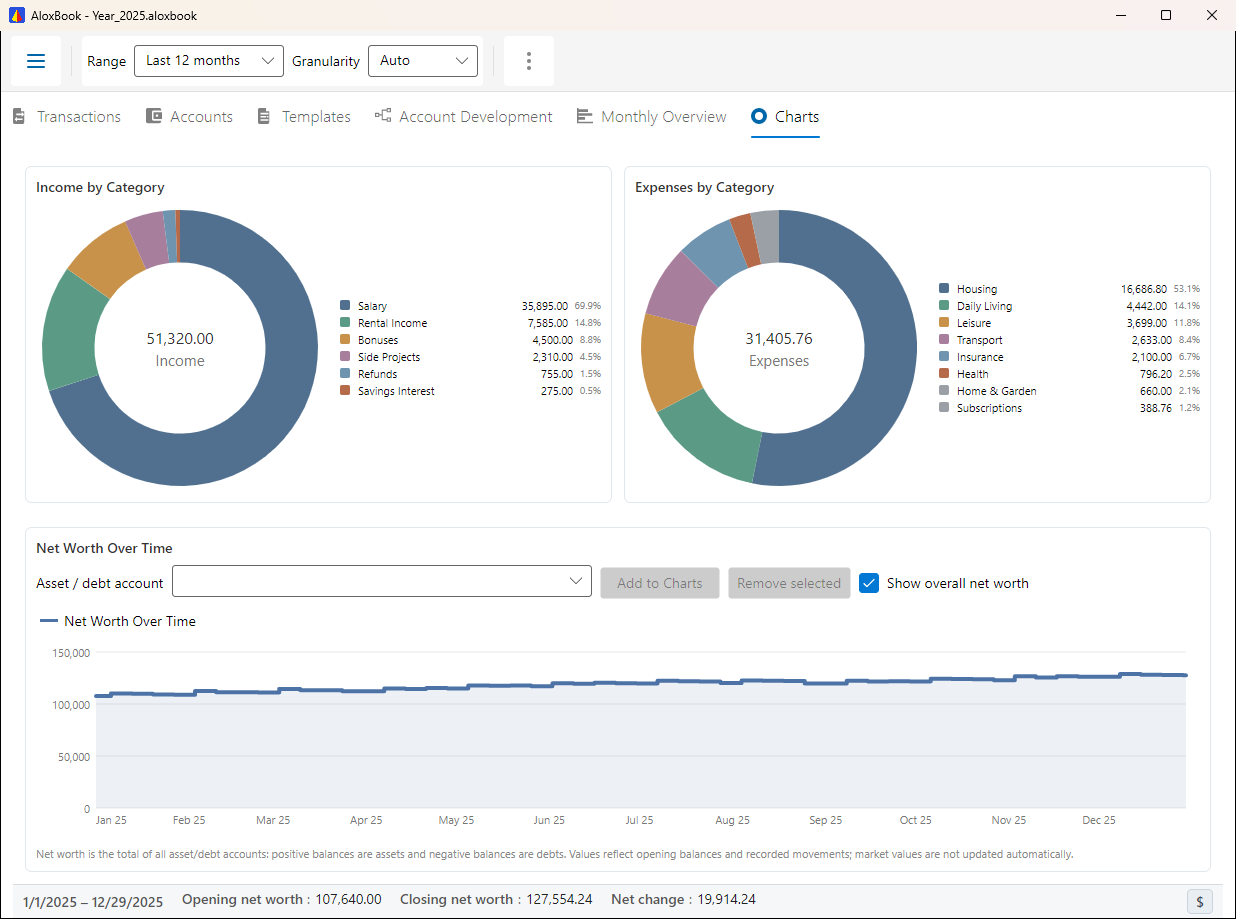
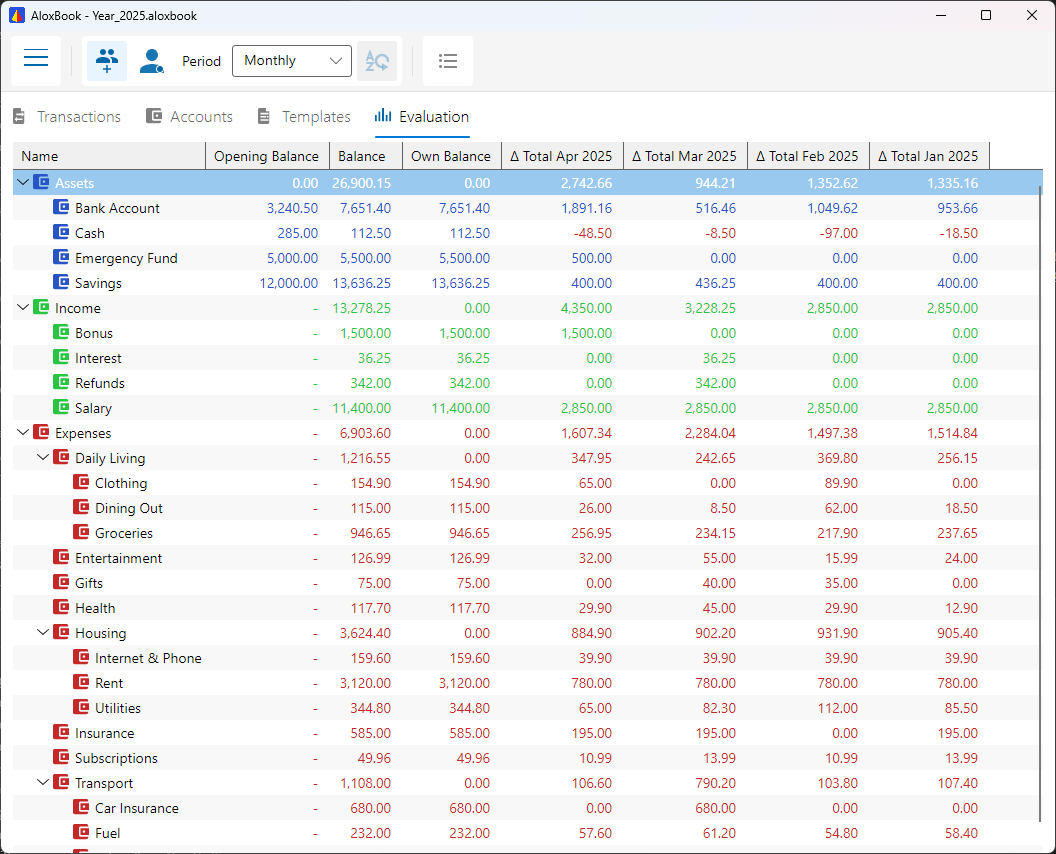
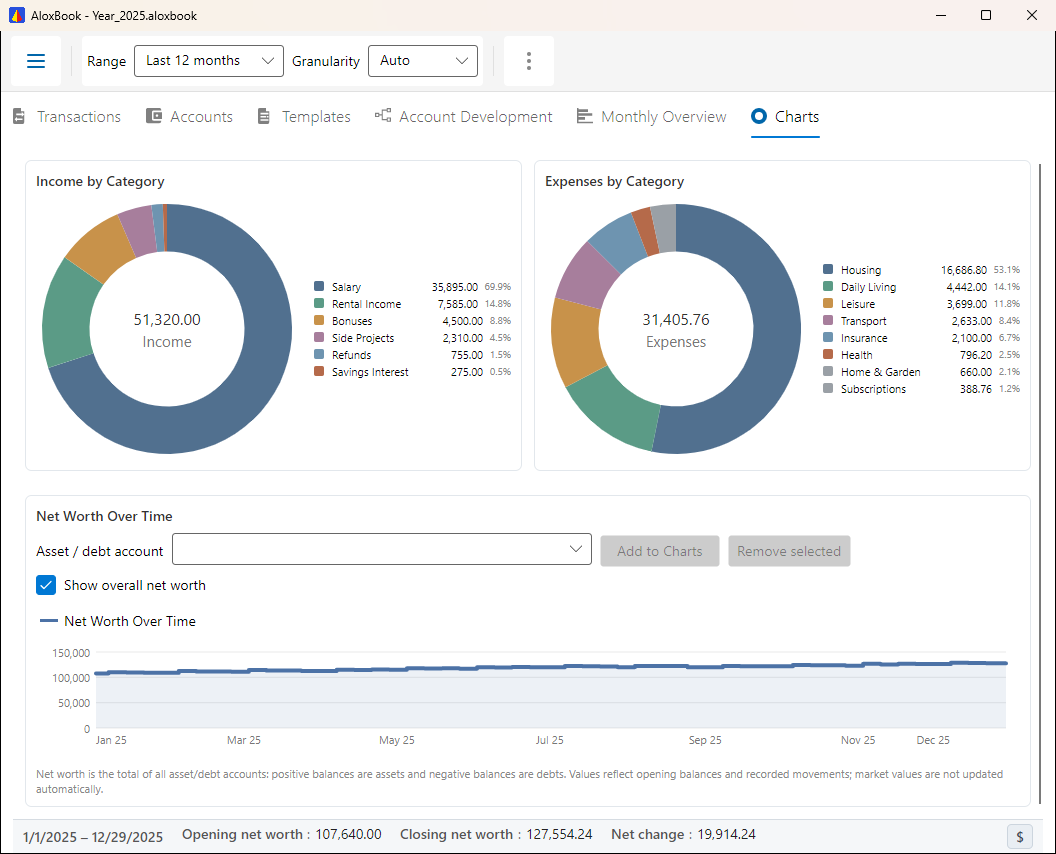
AloxBook Evaluation View

What AloxBook offers

Straightforward features for private personal finance — without unnecessary complexity.

📒

Double-Entry Bookkeeping, Made Simple

Every transaction has a source and a destination — real bookkeeping that gives you genuine insight, without a steep learning curve.

🔒

Encrypted Local Storage

Your data stays on your computer in encrypted files. No cloud, no third-party access — your finances remain private.

🌳

Flexible Account Tree

Organize your accounts in a tree that fits your life: income, expenses, savings, projects — structured the way you think.

📥

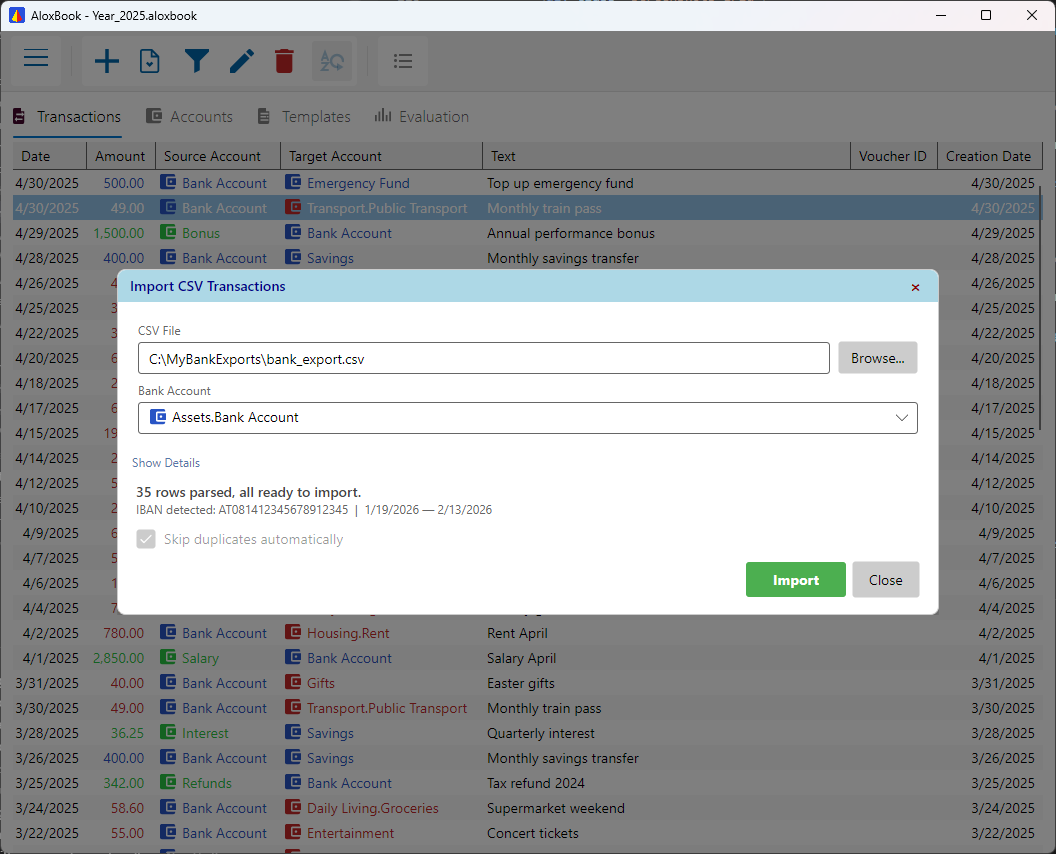
CSV Import

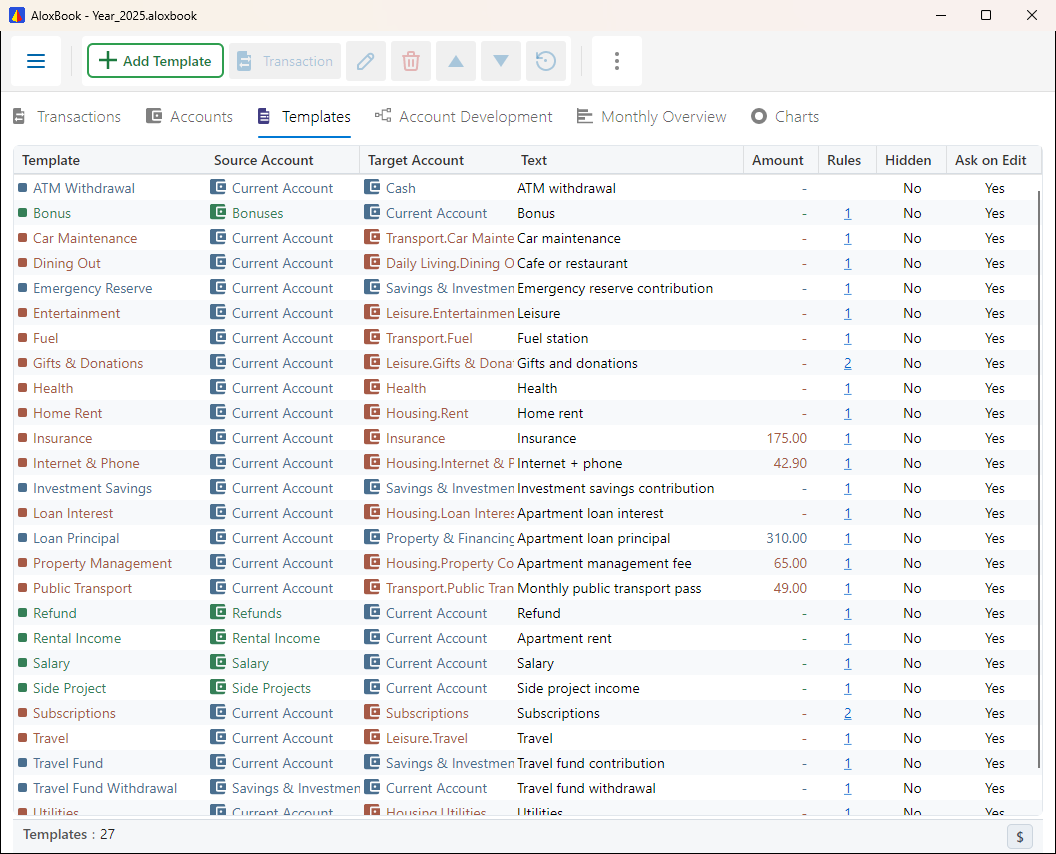
Import bank statements with configurable profiles and matching rules. Common formats are supported with customizable field mapping.

📅

Close & Carry Forward

End a period, carry balances into a fresh file, and keep each year neatly archived — one file per period, clean and organized.

🌐

English, German & French

Fully multilingual interface with live language switching. Numbers and dates follow your locale settings.

Screenshots

Clean tables, clear structure, and the views you actually use day to day.

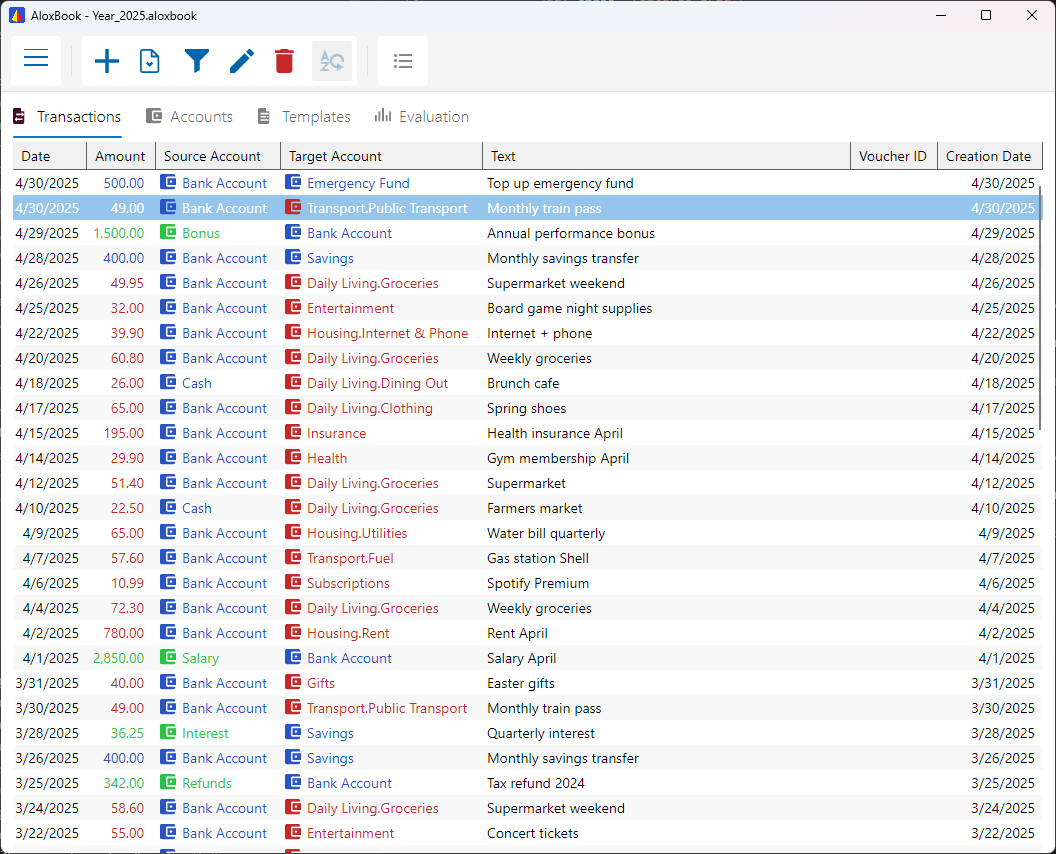
Transaction list
Transaction list
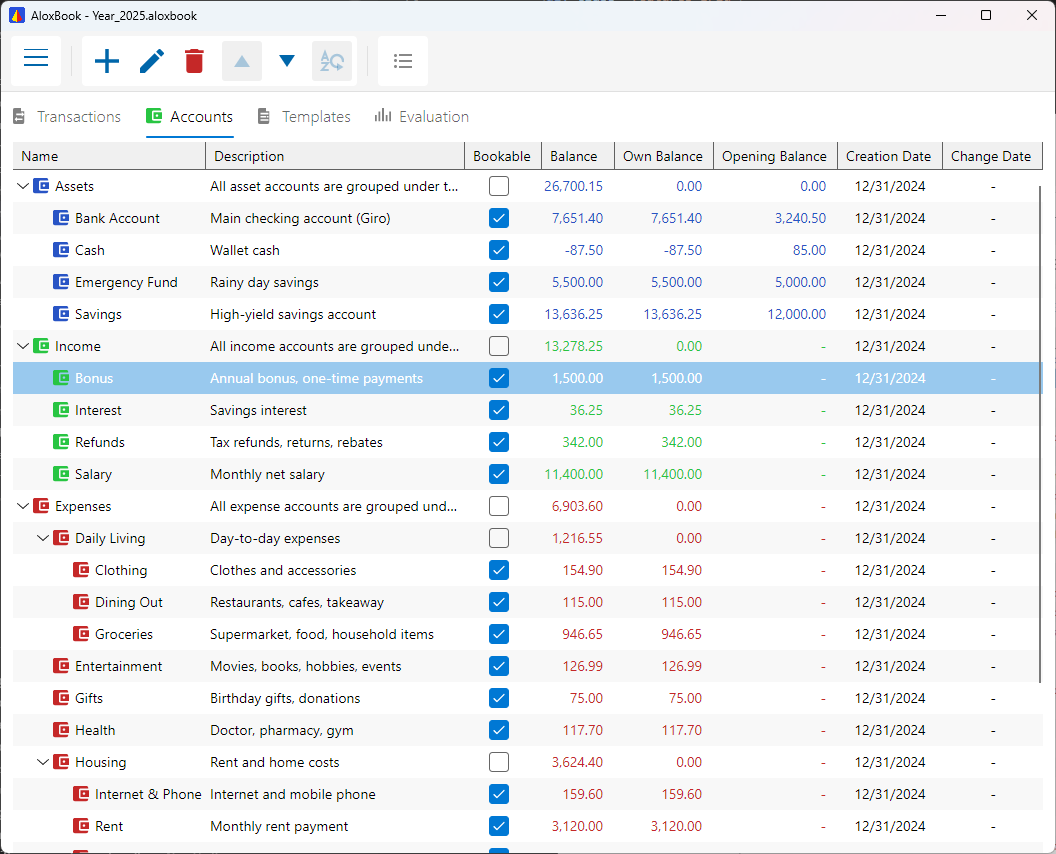
Account tree
Account tree with balances
CSV import
CSV import with preview
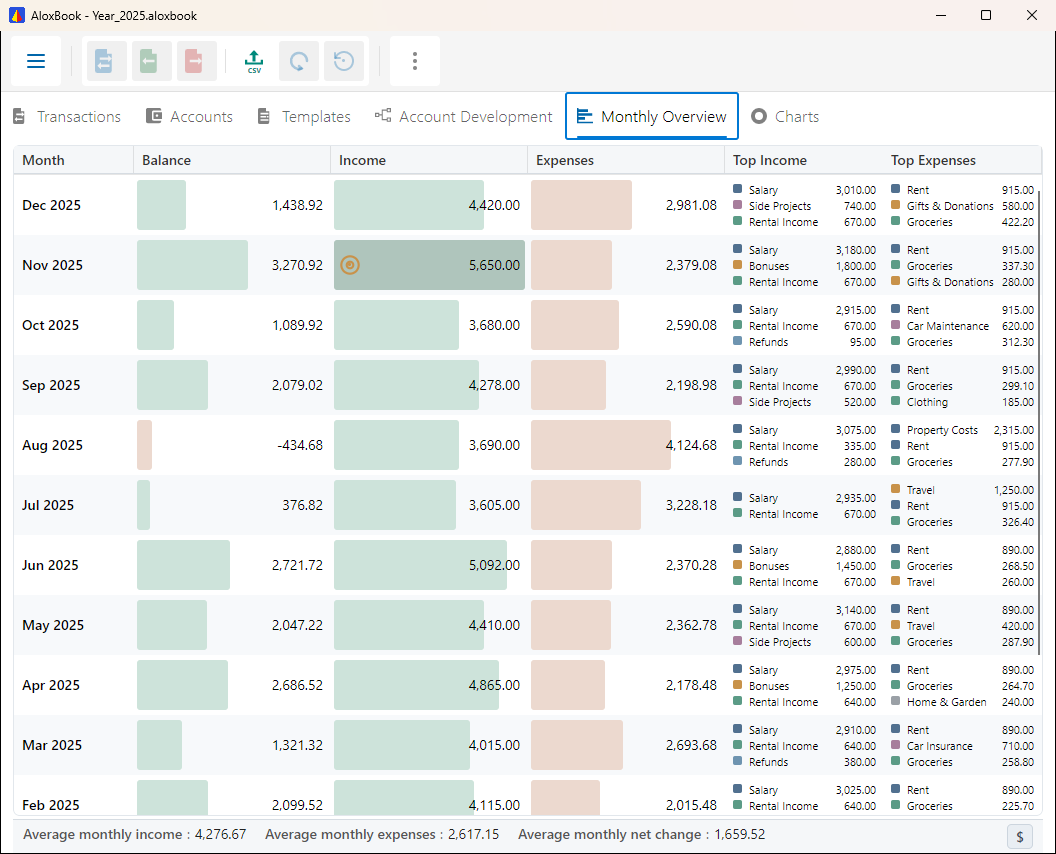
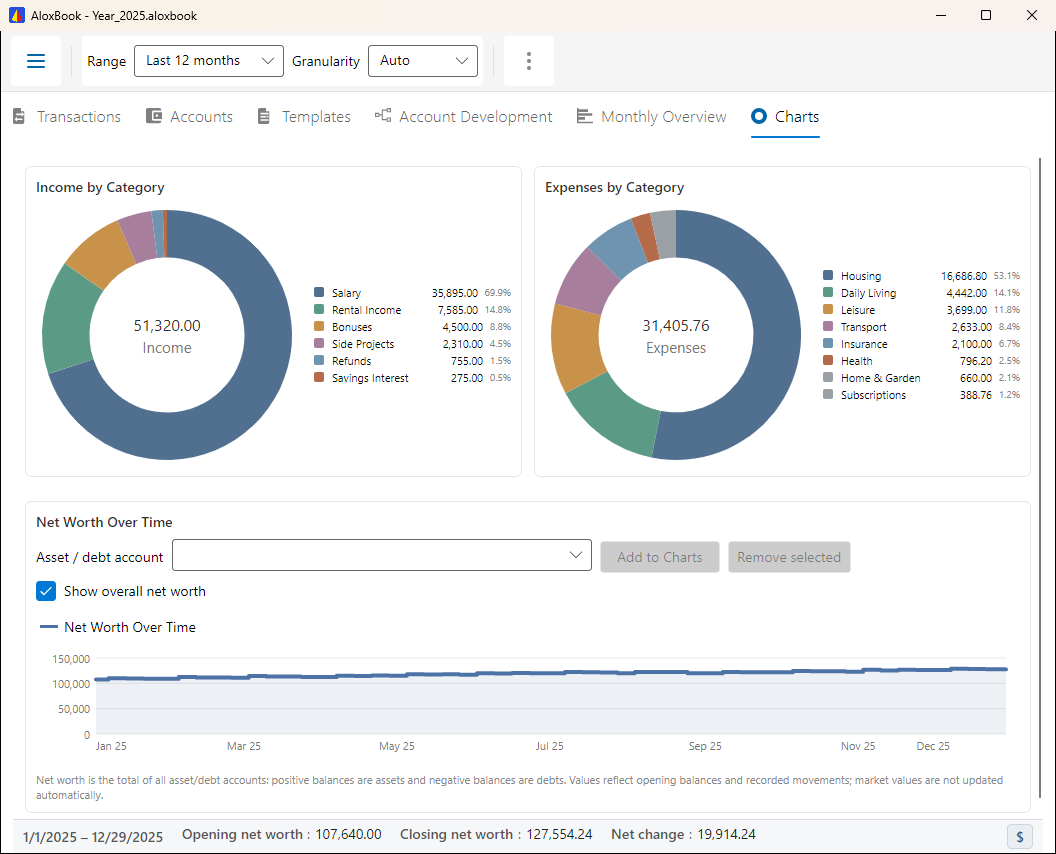
Evaluation view
Monthly overview and account development

Ready when you are

Pick your platform and get started.

Current version: 1.2.0 — April 2026 · Version History

🪟

Windows

Windows 10+ (64-bit) · ~35 MB

Installation guide
  1. Run the downloaded Setup.exe — no admin rights needed
  2. The app installs automatically and creates a Start Menu shortcut
  3. Double-click any .aloxbook file to open it

Windows SmartScreen may show a warning — click More info, then Run anyway.

🐧

Linux (AppImage)

x86_64 · ~35 MB · chmod +x then run

Installation guide
  1. Make executable: chmod +x AloxBook-*.AppImage
  2. Run: ./AloxBook-*.AppImage
  3. A desktop entry and file association are created on first launch

If you get a FUSE error, install libfuse2 (sudo apt install libfuse2) or on Ubuntu 24.04+: libfuse2t64

📦

Linux (Flatpak)

flatpak install --user · ~35 MB

Installation guide
  1. Ensure flatpak is installed (setup guide)
  2. Install the runtime:
    flatpak install flathub org.freedesktop.Platform//24.08
  3. Install AloxBook:
    flatpak install --user AloxBook-*.flatpak
  4. Run: flatpak run com.aloxbook.AloxBook

Once available on Flathub, installation will be even simpler: flatpak install flathub com.aloxbook.AloxBook

Free for personal use. Your data stays on your device.